Made for familiesNo ads to kidsSparks can't be boughtParents control play timeCOPPA & GDPR-K aligned
Point a phone camera here
Opens this page on the phone, one tap from the stores
Device compatibility
Platform
Requirement
Notes
iPhone
iOS 16 or later
Camera logging, Face ID grown-up lock, full kid + parent surfaces
iPad (all sizes)
iPadOS 16 or later
Dedicated landscape tablet layout — wide navigation rail, dual-panel parent dashboard, landscape comic reader. Not a stretched phone app.
Android phones
Android 10 or later
Camera logging, biometric or PIN grown-up lock, full kid + parent surfaces
Android tablets
Android 10 or later
Same dedicated tablet layout as iPad — navigation rail, landscape panels, dual-pane parent view
One account, every device
Sign in on a shared tablet and a parent's phone at once — profiles, streaks and Sparks stay in sync. Many families keep the kid loop on the kitchen tablet and the parent dashboard on a phone.
Setting up, in order
Parent first (3 minutes): create the account, set the PIN, answer the short goals interview.
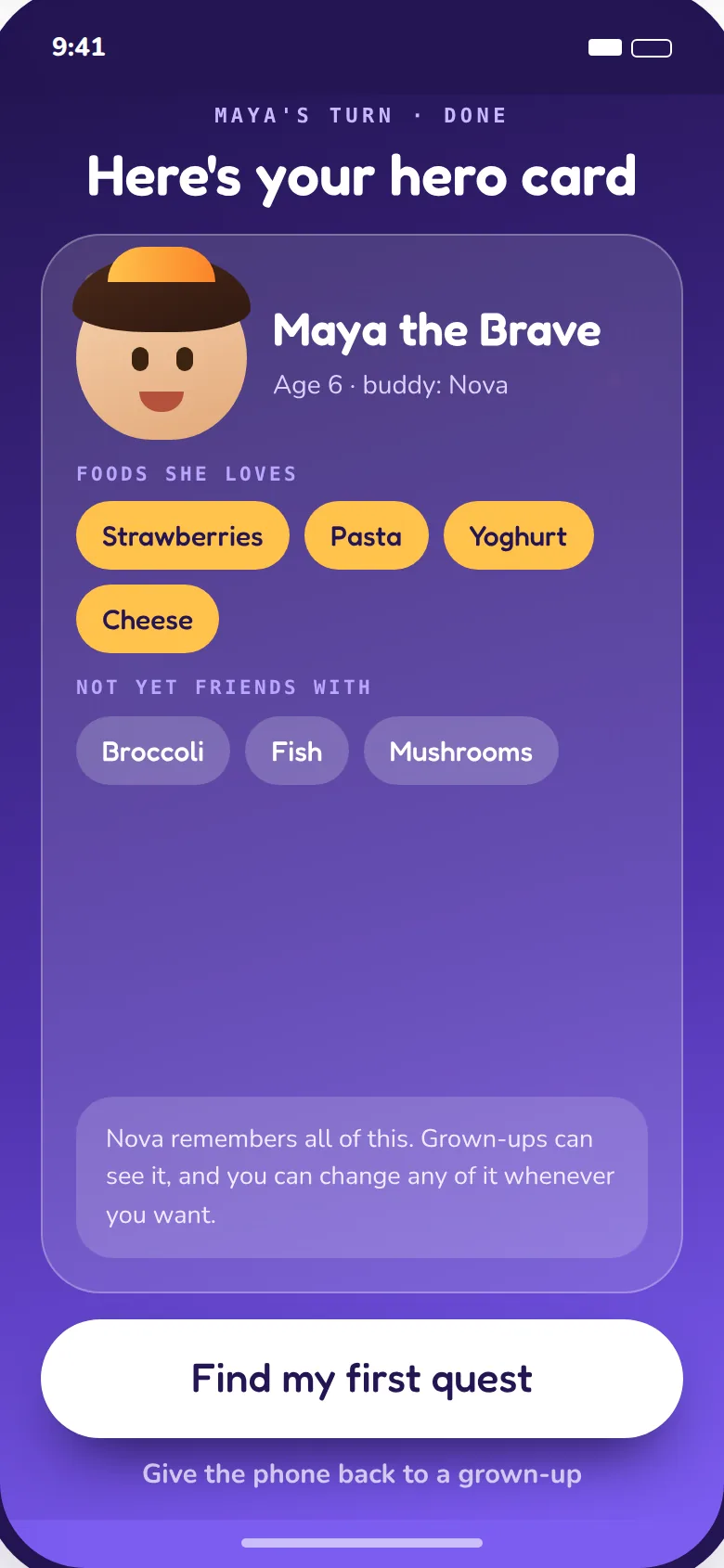
Kid takes over (2 minutes): the hero studio — eyes, hair, style — ending in their hero card reveal.
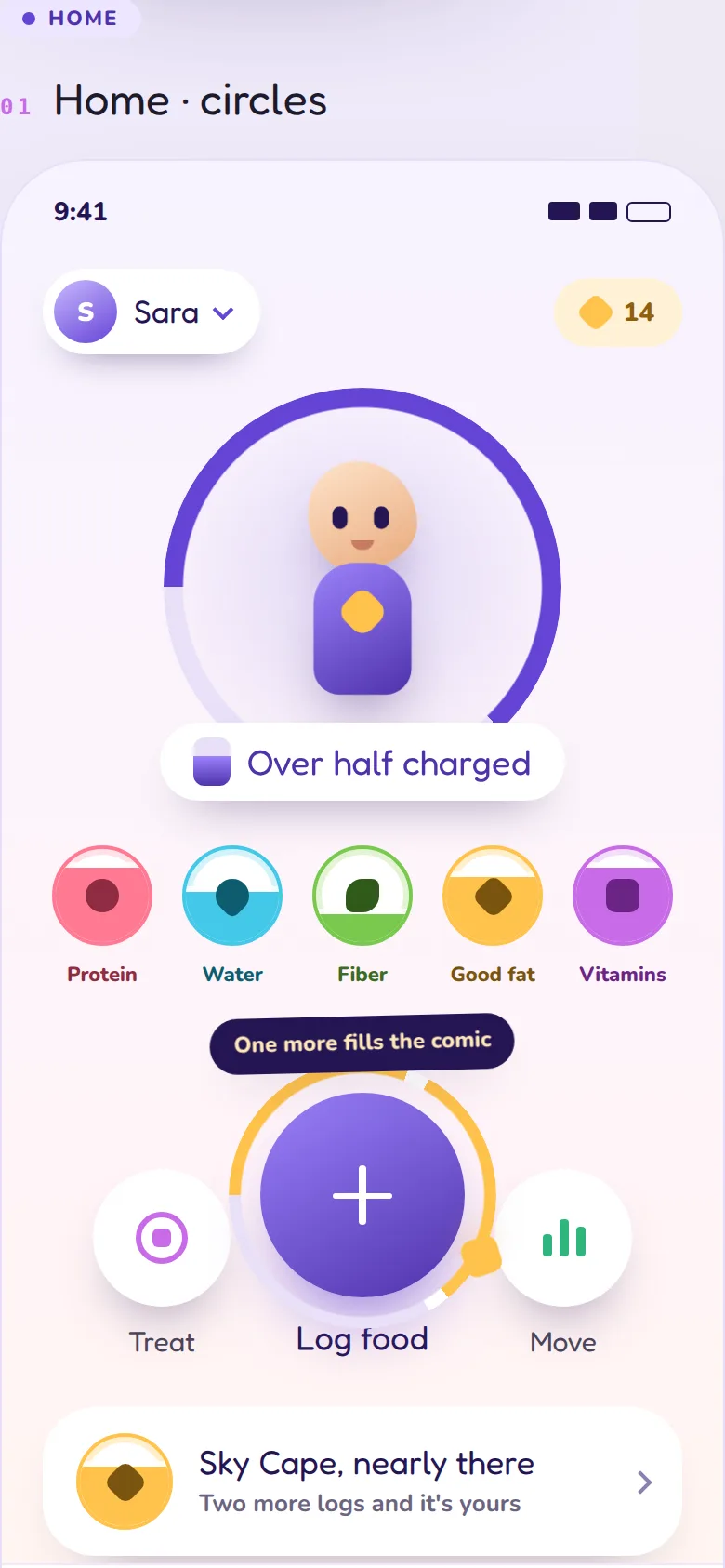
First log (10 seconds): point the camera at the next meal. That's the journey started.
Prefer to start on paper?
The free printable Family Food Replay Starter Kit uses the same no-guilt mechanics with stickers instead of Sparks — lovely for the fridge, and a gentle preview of the app.